
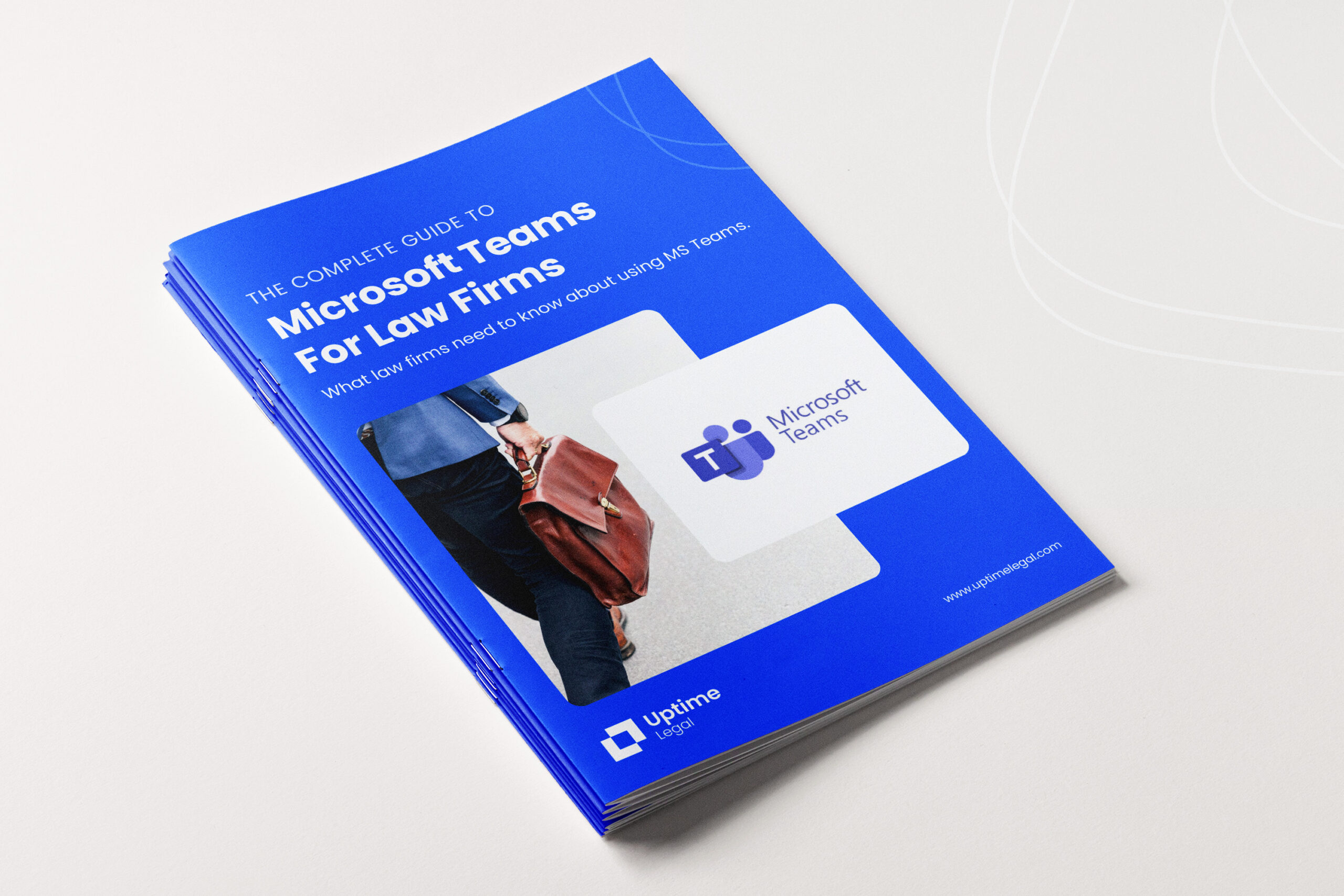
MS-Teams-for-Law-Firms-Guides

Download The Report

What's Inside?

  • What Microsoft Teams actually is and how it fits within Microsoft 365

  • Why Teams works especially well for distributed and hybrid law firms

  • How to centralize chat, meetings, calling, files, calendars, and tasks in one interface

  • How Teams integrates with SharePoint, OneDrive, Outlook, and law firm systems

  • How to structure Teams for a law firm, including practice areas, departments, and matters

  • Real-world workflows for collaboration, internal meetings, and document co-authoring

  • How to reduce version conflicts and app switching across your firm

  • Best practices for configuring Teams securely for legal work

  • Common setup and adoption mistakes law firms should avoid

  • How to roll out Teams so it improves productivity instead of creating noise

About This Guide

Microsoft Teams is far more than a chat app. This ebook shows how law firms can use Teams as a secure, centralized workspace for communication, collaboration, and daily operations, without adding unnecessary complexity or tools.

Get A Free Consultation

Speak with a legal technology expert.

  • An Uptime Legal technology expert will contact you to discuss your firm.

  • We’ll discuss your firm’s goals, challenges, software and technology.

  • We’ll recommend solutions for helping you to achieve your goals.

  • If we sound like a fit, we will prepare a proposal within 24 hours.

  • Thoroughly impressed, you will sit back in a comfy chair and ponder why you didn’t contact us sooner.

By submitting my data I agree to be contacted