Law firms do not need “someone who can fix computers.”
You need reliable, secure systems and law firm-focused IT support that keeps attorneys and staff moving, even when deadlines are tight and pressure is high.
This guide highlights a shortlist of national, law firm-focused IT providers that market directly to law firms and deliver managed IT services at scale. It is written to help your team compare options consistently, ask better questions, and understand what a clean migration looks like when you decide to move on from poor IT support.
Who This Guide Is For
This guide is for law firms that recognize at least one of these realities:
The Value of Legal-Centric IT Support
Plenty of IT providers can handle basic troubleshooting. Legal-centric IT support is different because law firms have different consequences.
1. Fewer “IT Problems” That Become “Matter Problems”
Downtime is not just annoying. It affects filings, closings, hearings, time entry, and client communication. A legal-centric provider designs for stability and predictable recovery, not last-minute heroics.
2. Better Support for the Software You Actually Use
Law firm technology is an ecosystem: Microsoft 365, practice management, billing, document workflows, scanning, accounting, security tools, and sometimes older applications that are still essential. A legal-focused provider is more likely to own the whole picture instead of sending you back and forth between vendors.
3. Security That Works in the Real World
Law firms need strong controls around identity, devices, email, backups, and incident readiness. The best legal IT support makes security practical so attorneys and staff do not work around it.
4. Clear Ownership and Communication
When something breaks, you want one owner who drives the fix, coordinates vendors, and communicates clearly. A strong managed IT provider should feel like an operating layer under the firm, not a ticket queue.
How This List Was Built
This is not a complete directory. It is a shortlist.
Each provider included here is selected because they publicly position themselves as serving law firms and supporting firms nationally. Offerings, support models, and packaging vary, so the most important part of this guide is the checklist. That is how you avoid choosing based on marketing alone.
Top National, Legal-Focused IT Providers
Uptime Manage
Description
Uptime Manage is a managed IT plan built specifically for law firms. It bundles managed IT services, unlimited help desk assistance, Microsoft 365 support, and legal software support into a law firm-focused platform. Uptime Legal supports law firms in the United States and Canada, with a delivery model designed to support firms nationally.
Service Highlights
Key Features

K2 Services

Description
K2 Services positions itself as a legal-focused technology provider offering managed services and support for law firms, with a national delivery footprint.
Service Highlights
Key Features
Frontline Managed Services
Description
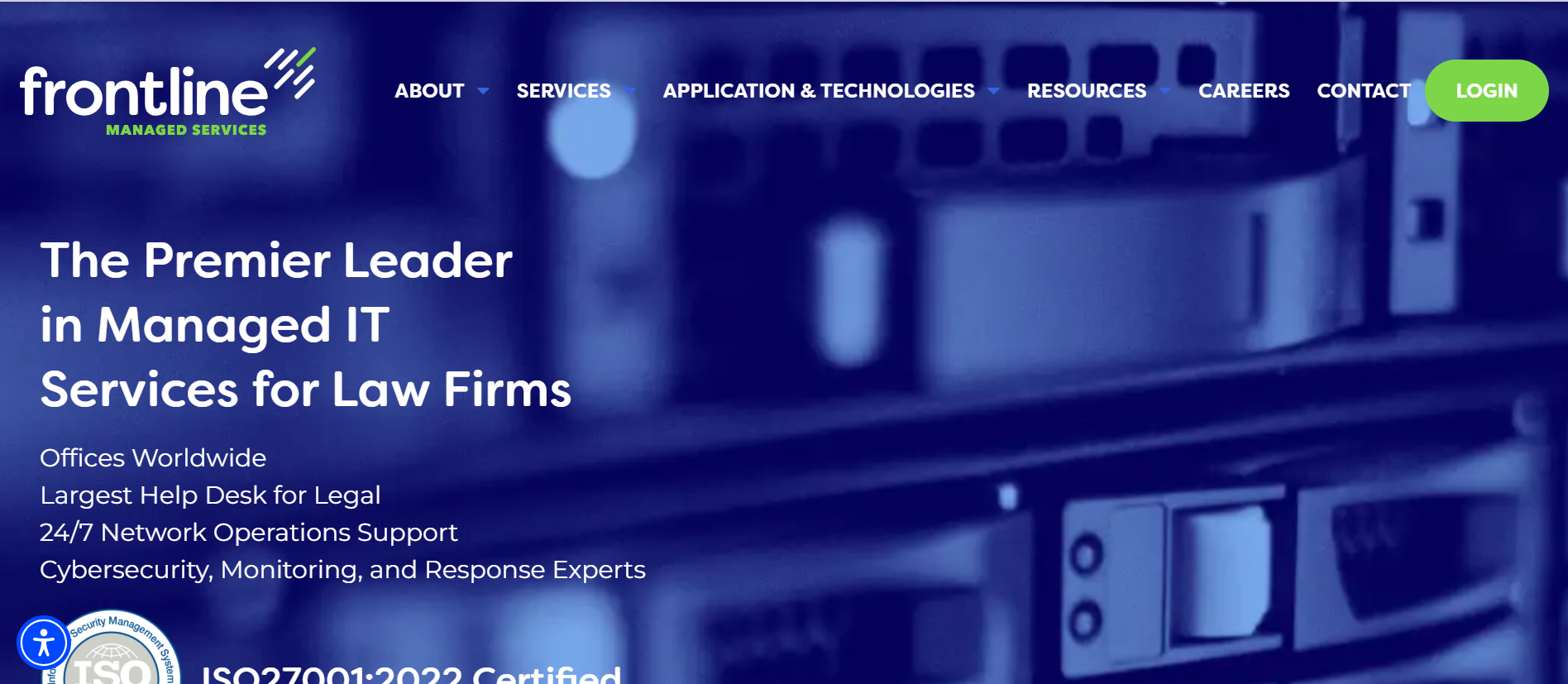
Frontline Managed Services positions itself as working exclusively with law firms, with a large service desk operation and broader managed IT services.
Service Highlights
Key Features
All Covered

Description
All Covered provides managed IT services and cybersecurity with a dedicated legal industry offering, including legal-focused support and national reach.
Service Highlights
Key Features
Dataprise

Description
Dataprise offers managed IT services with a legal industry focus and publicly positions itself as supporting law firms nationally.
Service Highlights
Description
Dataprise offers managed IT services with a legal industry focus and publicly positions itself as supporting law firms nationally.
Service Highlights
Comparison Checklist for Legal IT Providers
This checklist is built for real evaluation meetings. Use it to compare providers consistently and document the decision.
1. Law Firm Focus That Shows Up in Delivery
2. Support Model and Responsiveness
3. Microsoft 365 Competence
4. Security Baseline and Accountability
5. Backup, Recovery, and Ransomware Readiness
6. Documentation and Exit Readiness
7. Onboarding and Migration Plan Quality
8. National Delivery and On-Site Reality
9. Commercial Clarity
What Migration Looks Like (And Why It’s Better Than Sticking with Poor IT Support)
Most firms delay switching because they fear disruption. That fear is reasonable. The goal is not to have “no change.” The goal is controlled change.
A well-run migration is structured. It does not feel like ripping the floor out from under the firm.
Phase 1: Discovery and Risk Triage
This phase should produce documentation and a prioritized plan, not just a pile of notes.
A good provider starts by mapping the environment:
Phase 2: Stabilize and Standardize
This is often where the firm starts to feel relief, because the recurring issues begin to drop.
Most law firms benefit quickly from consistent standards:
Phase 3: Improve the Day-to-Day Experience
This is where “managed IT services for law firms” should show up in daily life:
Phase 4: Modernize Without Breaking Workflows
If the firm is moving away from servers or restructuring how files are stored and accessed, the best migrations are staged:
Phase 5: Ongoing Operations and Planning
The long-term win is the operating rhythm:
Why switching is often better than “sticking it out”
Poor IT support rarely stays the same. Systems age. Security expectations rise. Clients ask harder questions. Hybrid work becomes more complex. Staff lose patience and create workarounds.
Migration is a short, controlled investment that often replaces years of recurring operational drag.
Frequently Asked Questions (FAQs)

Uptime Legal’s Technology Solutions
Cloud, software, IT, and document management built for today’s law firms.