Table of Contents
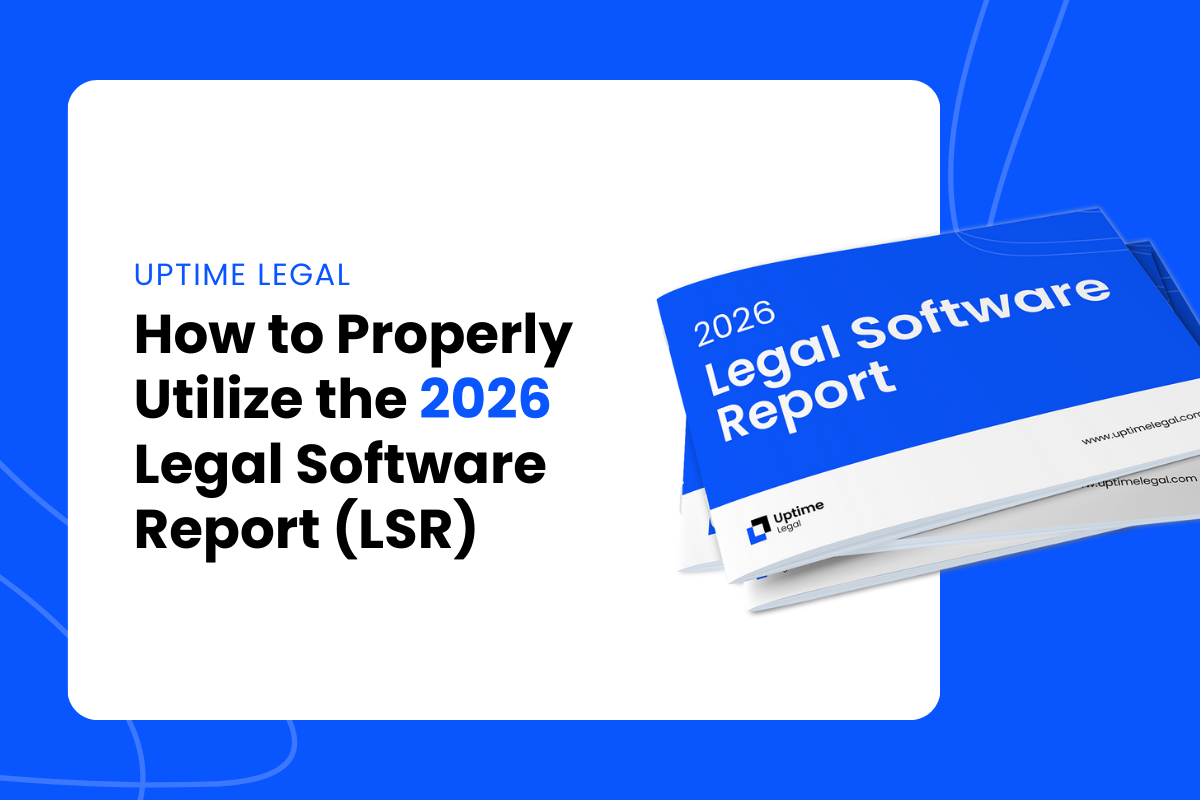
It’s official. 2026 Legal Software Report is live!
This vendor-neutral guide simplifies selection across Law Practice Management, Document Management, Intake and CRM, and Legal Accounting.
It also explains cloud, on-premise, and private cloud deployment.
Each profile includes a brief AI Capability note covering native, in-product features.
Use it to save time, avoid costly detours, and choose tools that fit your workflows, client expectations, and growth goals.
In this article, we will show you how to get the most from the 2026 Legal Software Report, so you can move from research to a confident decision.
What’s New in the 2026 Report
Before you dive in, here is what changed since last year and how these updates help you get to a confident decision faster.
If you read last year’s report, use this list as your quick upgrade guide. If you are new to the LSR, these changes will help you skip the noise and focus on what matters most.
Understanding the Report’s Structure
The 2026 Legal Software Report is organized to help you find and compare the right tools quickly, then dive deeper only where it matters for your firm.
Each section focuses on a core part of law-firm operations, with consistent, easy-to-scan profiles that include: Overview, Who it’s Good For, Deployment (Cloud, On-Premise, Private Cloud), Full Feature List, Product Highlights, AI Capability, Pricing (accurate as of publication), and Additional Resources.
Key Sections of the Report
Law Practice Management Software
Covers matter management, timekeeping, billing, calendars, intake, and reporting. Use the Full Feature List and “Who it’s Good For” to match platforms to firm size and workflows.
Comparison tables help you narrow quickly, whether you want a simple system for a small team or deeper functionality for a larger practice.
Legal Document Management Software (DMS)
Focuses on matter-centric filing, email management, versioning, search, and Microsoft 365 integration.
You’ll find a DMS checklist to mark must-haves and clear guidance on Cloud vs. On-Premise vs. Private Cloud so you can pick a deployment that fits security, mobility, and IT capacity.
Intake & CRM Software
Explains lead capture through onboarding, with attention to automated workflows, custom forms, e-signature, conflict checking, scheduling, and reporting. Use the feature comparison table to align tools with your intake process and client communication standards.
Legal Accounting Software
Reviews business accounting and trust/IOLTA capabilities, reconciliation, reporting, and how platforms interact with practice management.
Profiles note where accounting is fully integrated versus paired with external ledgers, along with practical deployment guidance.
Appendices & Tools
Tip: Share the category summaries and checklists with partners, admins, paralegals, IT, and finance. Have each role flag must-haves and blockers. This speeds consensus and makes demos more productive.
By following these steps and using the 2026 Legal Software Report to compare your options, you can confidently select a software solution that will meet your firm’s needs today and down the line.
How to Evaluate Legal Software
Evaluating legal software can feel overwhelming, but the 2026 Legal Software Report gives you a clear path.
Use the guidance below to get the most value from the report as you compare options.
Start with Your Firm’s Needs
Prioritize Must-Have Features
Consider Scalability and Fit
Check Integration with Existing Tools
Compare Deployment Options
Trial and Demos
Reference Pricing Snapshots
Build a Quick Shortlist
Cloud, On-Premise, and Private Cloud
One of the biggest choices you’ll make is how the software is deployed. This year’s report calls out deployment for every product so you can compare at a glance.
In each product’s Full Feature List, an asterisk (*) indicates a capability that is available when the software is hosted in a Private Cloud rather than as a native feature.
Cloud-Based Software: Flexibility and Accessibility
Cloud software is hosted online and accessed in a browser.
It has risen in popularity because it removes server ownership and makes remote work straightforward.
Key consideration: Requires a reliable internet connection for consistent performance.
On-Premise Software: Control and Customization
On-premise software is installed locally on your firm’s servers, giving you complete control over the infrastructure. This can be a better fit for firms that prefer to manage their own IT systems or have specialized needs.
Here’s why some firms opt for on-premise solutions:
Key consideration: Higher ongoing costs for servers, backups, security, and maintenance, plus careful planning for upgrades and remote access.
Private Cloud: Power Without Owning Servers
Not ready to switch over to cloud-native software? Want to retain the robustness of your premise-based software while pursuing cloud-native benefits?
A private cloud means server-based software is hosted for you in a managed cloud.
It is not a different kind of software, and here are some benefits:
Key consideration: Understand pricing, contract terms, uptime SLAs, recovery objectives, and how integrations with Microsoft 365, email, accounting, DMS, e-signature, and phones are supported.
By understanding the pros and cons of each option and using the 2026 Legal Software Report to compare software across these categories, your firm can make a decision that balances flexibility, security, and cost-effectiveness.
AI in This Year’s Report
This year, we cover AI only where it is built into the software itself.
Every product profile includes a short AI Capability note that describes meaningful, native features you can use today. No roundups of standalone tools.
What We Include
What We Don’t Include
How to Read the AI Capability Notes
Use the AI Capability notes to compare your shortlist and see where native, in-product AI will truly help your workflows.
During demos, run one real task, such as summarizing a document set or drafting a first pass email, and record the steps, accuracy, and time saved.
tart with low-risk use cases, document required review steps so outputs are checked before filing or sending, and decide where AI should not be used based on client or matter sensitivity — the workflow-first way to evaluate AI for law firms.
Taking Advantage of Additional Resources
Beyond the product profiles and comparison tables, the 2026 Legal Software Report includes four appendices you can use as reference material while you evaluate options and plan deployment.
Think of these as quick, practical add-ons to keep at your disposal as you move from research to selection to rollout.
Legal Software Glossary
Use Appendix A to translate industry jargon into plain English as you compare features.
It is a handy companion when terms like “full-text search,” “versioning,” “OCR,” and “matter-centric” pop up in DMS and LPM descriptions. You will also find concise entries that help differentiate modern cloud systems from “legacy” tools.
Keep this open while you review product pages and the checklists.
Moving Your Software to a Private Cloud
Appendix B explains when to keep proven, server-based software and simply change where it runs.
If you use products like PCLaw, Time Matters, or ProLaw, hosting them in a managed Private Cloud can remove on-site server burden while preserving the workflows your team knows. Common outcomes: eliminate server and IT headaches, keep data secure, and work from anywhere.
The report also links to deeper “in the cloud” resources for several platforms.
AI and Lawyers
Appendix C frames how the report covers AI in 2026: brief “AI Capability” notes inside each product profile, no rankings of generic AI apps, and an assumption that human review remains required.
It also maps where embedded AI shows up across legal software (search-then-answer in DMS, drafting assists in intake and practice management, time-entry suggestions in billing) and offers practical guardrails on permissions, auditability, and source checking.
Use this section to understand which native, in-product AI features matter for day-to-day work and how to adopt them responsibly.
Additional Resources
Appendix D is a curated reading list to support deeper evaluation and rollout.
It includes best-of guides for LPM, DMS, and legal accounting, practical pieces on cloud storage and email management, and IT and cybersecurity resources. Marketing resources are also included for firms planning growth alongside a software upgrade.
Use these links for targeted follow-up once you have a shortlist.
As you work through the report, bookmark these appendices.
They will speed up conversations with stakeholders, help you compare apples to apples, and give you implementation context once you are ready to move forward.
Next Steps and Consultation
Now that you have the 2026 Legal Software Report, here is a simple path to move from research to a confident decision.
1. Evaluate Your Firm’s Specific Needs
Use the report’s overviews, “Who it’s Good For,” and checklists to narrow your focus to the problems you want to solve and the outcomes you expect.
2. Prioritize Must-Have Features
Turn your needs into a short list of must-have features and use each profile’s Full Feature List to compare candidates.
3. Confirm Deployment and Integrations
Check each finalist’s Deployment label and integration notes so daily workflows stay connected.
4. Trials and Demos
Where the report notes trials or demos, run one real workflow end-to-end.
5. Plan Implementation and Support
Once you select a product, outline implementation so adoption stays on track.
Want a second opinion?
If you would like help comparing finalists, mapping a Private Cloud approach, or planning migration and rollout, Uptime Legal can assist. We are vendor-neutral and focused on fit, security, and adoption.


Uptime Legal’s Technology Solutions
Cloud, software, IT, and document management built for today’s law firms.