Table of Contents

Keeping a law firm’s technology reliable and secure takes more than someone who can fix computers; it takes legal-focused IT support that keeps attorneys and staff moving when deadlines are tight and client expectations are high.

Finding the right IT support for your law firm — whether you’re evaluating managed IT services for law firms for the first time or switching from a generalist provider — starts with understanding what legal IT support should actually cover.

This guide highlights a shortlist of national, law firm-focused IT providers to help your team compare options consistently, ask better questions, and understand what a clean migration looks like.

Table of Contents

Who This Guide is for

This guide is for law firms that recognize at least one of these realities:

  • Support is slow, inconsistent, or reactive. Problems linger, resurface, or get “fixed” without explanation.

  • Reliable access matters more now. Your firm is hybrid, remote, or working across offices, and attorneys and staff need secure access wherever work happens.

  • Systems work until they don’t. Then everyone loses time, patience, and billable momentum.

  • Microsoft 365 is central to the firm, but administration, security, and governance feel unclear.

  • Security questions are getting harder to answer. Client questionnaires, cyber insurance renewal questions, and audit-style requests are becoming more detailed.

  • AI tools are entering the workflow, but the firm doesn’t have a clear policy for protecting client data.

  • National support matters, even if your firm has one office today.

The Value of Legal-Centric IT Support

Plenty of IT providers can handle basic troubleshooting — legal-centric IT support is different because law firms have different consequences.

An issue that might feel like a routine ticket in another business can become a real matter problem inside a law firm.

1. Fewer “IT Problems” That Become “Matter Problems”

Downtime isn’t just annoying — it affects filings, closings, hearings, time entry, document access, and client communication.

A legal-centric provider designs for stability and predictable recovery. The point is simple: IT support for law firms has to protect the flow of legal work, not only the devices people use to do it.

2. Better Support for the Software You Actually Use

Law firm technology is an ecosystem: Microsoft 365, practice management, billing, document workflows, scanning, accounting, security tools, and sometimes older applications that are still essential.

A legal-focused provider is more likely to own the whole picture instead of sending you back and forth between vendors.

3. Security That Works in the Real World

Law firms need strong controls around identity, devices, email, backups, and incident readiness. The best legal IT support makes security practical so attorneys and staff don’t work around it.

That now includes helping firms answer cyber insurance questionnaires, client security reviews, and vendor risk questions with more confidence.

4. Clear Ownership and Communication

When something breaks, you want one owner who drives the fix, coordinates vendors, and communicates clearly.

A strong managed IT provider should feel like an operating layer under the firm, with clear ownership beyond individual tickets. That’s especially important when the firm needs managed IT services for law firms that cover support, security, Microsoft 365, cloud access, and legal software coordination together.
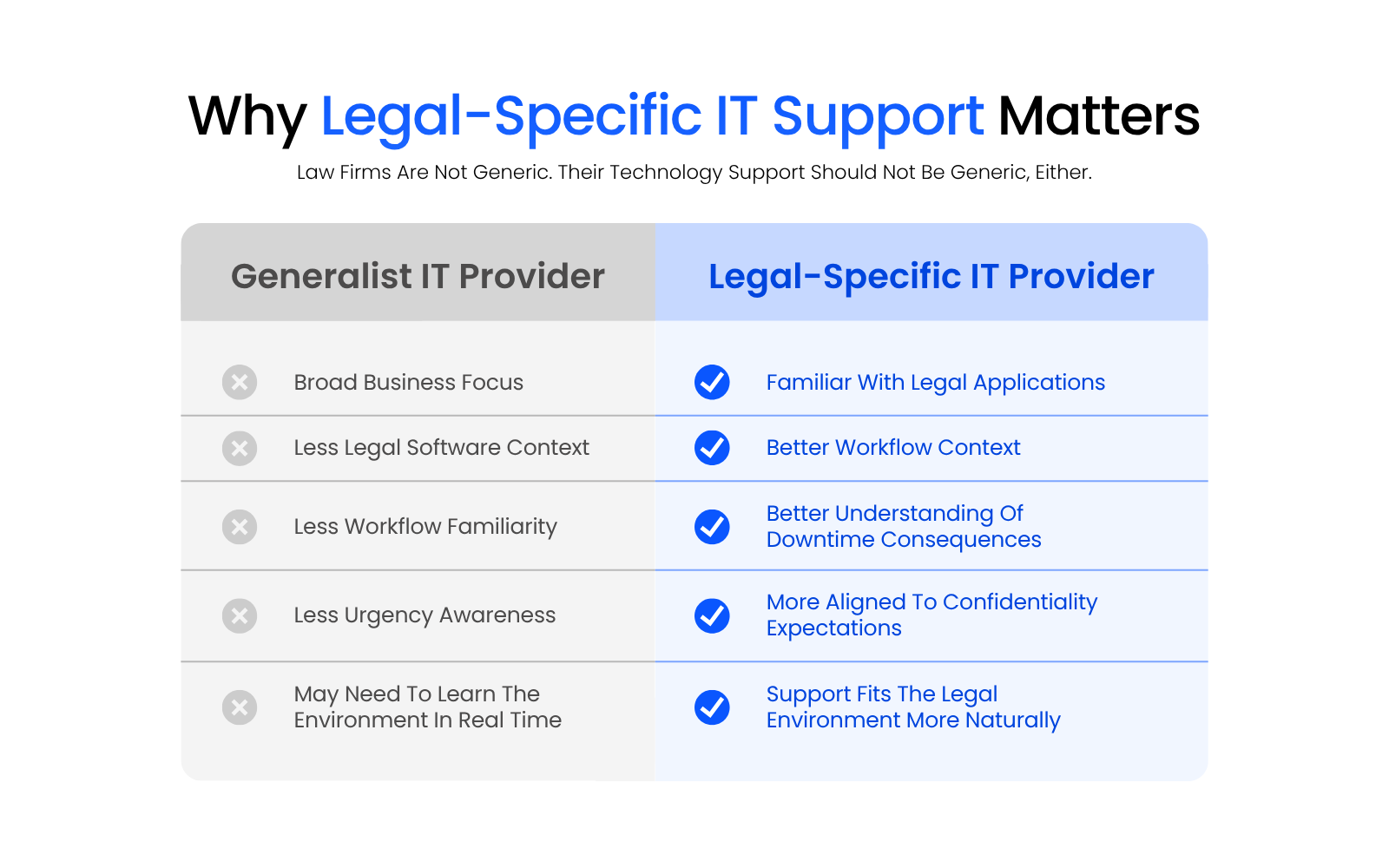
Comparison graphic showing why law firms benefit from legal-specific IT support, including legal software familiarity, workflow context, urgency awareness, confidentiality expectations, and support that fits the legal environment.

How This List Was Built

Uptime Legal publishes this guide; we’ve included ourselves alongside other national providers so you can compare directly.

Each provider included here is selected because they publicly position themselves as serving law firms and supporting firms nationally. Offerings, support models, and packaging vary, so the most important part of this guide is the checklist. That’s how you avoid choosing based on marketing alone.

This list was also reviewed for 2026 relevance, including provider positioning, acquisitions, rebrands, and current service focus. A stale provider list makes comparison harder and weakens trust in the evaluation.

Top National, Legal-Focused IT Providers

Uptime Legal Logo

Uptime Manage

Managed IT built exclusively for law firms

Best for: Law firms wanting IT, security, Microsoft 365, and legal software support from one legal-specific provider.

FIRM SIZE FIT

Solo to large firms

DELIVERY MODEL

Legal, National MSP

ON-SITE SUPPORT

Yes

LEGAL SOFTWARE SUPPORT

Legal-exclusive MSP

STRENGTHS

  • Built from three organizations with legal and professional-services experience
  • Records and information governance capabilities
  • Workflow automation and integrated operational platforms
  • Consulting and advisory support for modernizing operations
  • Fit for consolidating fragmented vendors under one partner

GOOD TO KNOW

  • Built for firms that want a legal-specialist partner, not the lowest-cost generalist option
  • Full-service tiers are scaled for firms with more complex needs; smaller offices may only need entry-level plans

“Uptime Legal was a true miracle when the pandemic struck. We moved to Uptime Legal and were working immediately.”
— Todd Tracy, The Tracy Law Group, PLLC

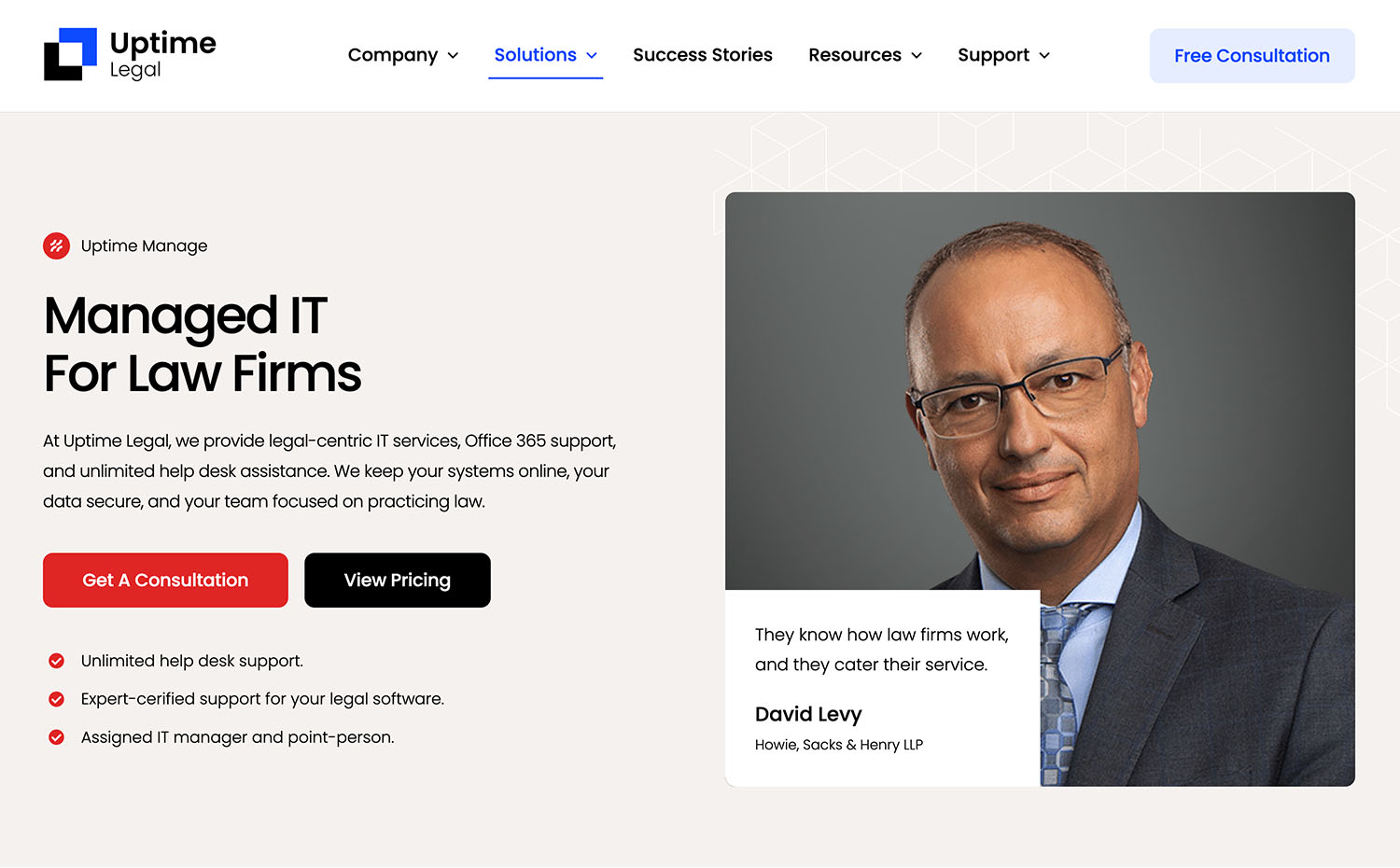
PRODUCT SCREENSHOT

uptime-manage
opensity_solutions_logo

Opensity Solutions

Tech-enabled managed services for legal, financial, and professional firms

Best for: Larger firms and enterprises wanting a broad managed-services partner beyond traditional IT.

FIRM SIZE FIT

Large firms & enterprises

DELIVERY MODEL

Enterprise MSP

ON-SITE SUPPORT

Varies

LEGAL SOFTWARE SUPPORT

General, consulting-led

STRENGTHS

  • Built from three organizations with legal and professional-services experience
  • Records and information governance capabilities
  • Workflow automation and integrated operational platforms
  • Consulting and advisory support for modernizing operations
  • Fit for consolidating fragmented vendors under one partner

GOOD TO KNOW

  • Formed from three combined organizations: K2 Services, Epiq GBTS, and Forrest Solutions
  • Serves law firms alongside financial institutions and professional services firms, not law firms exclusively
  • Scope extends into document processing and information governance beyond core IT

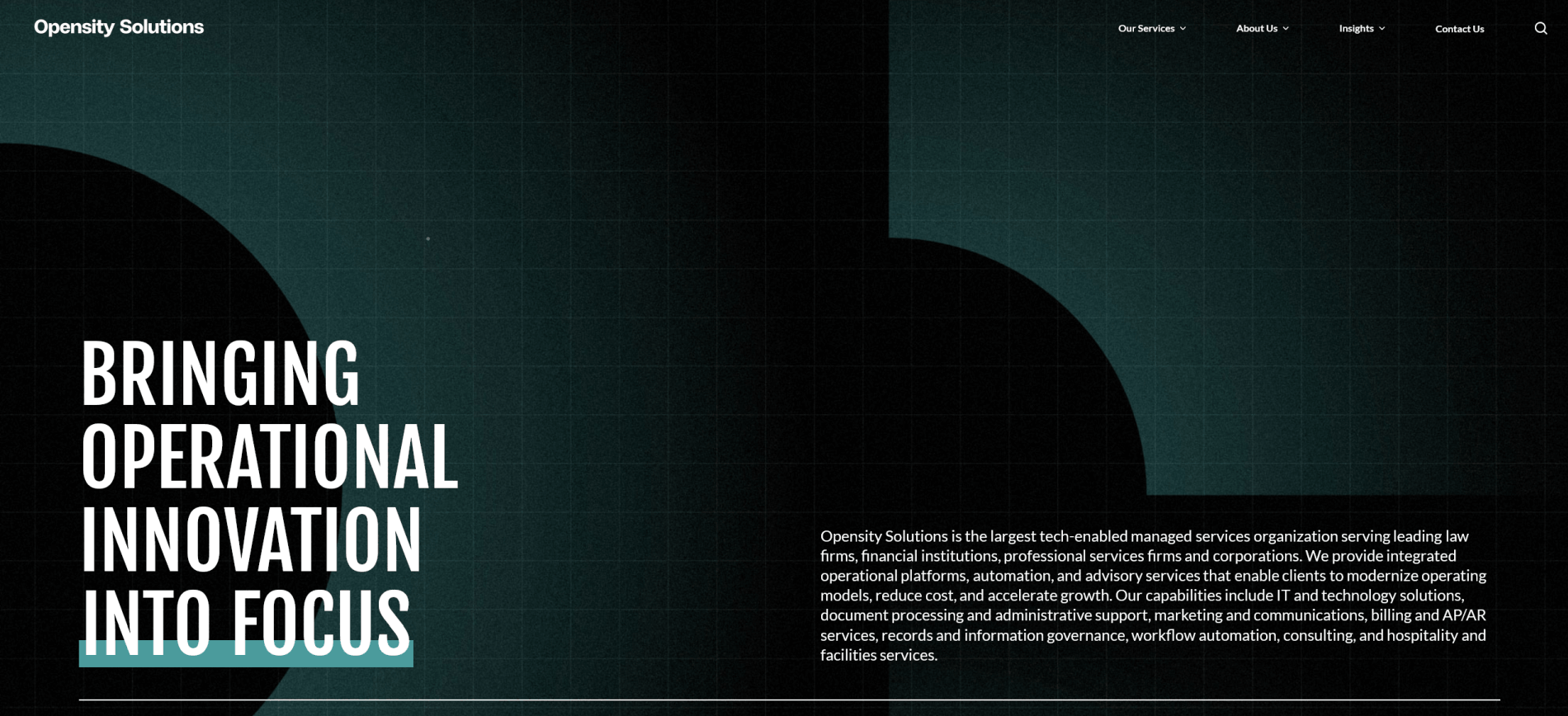
PRODUCT SCREENSHOT

Opensity Solutions
frontlinems logo

Frontline Managed Services

Managed IT and an AI-powered service desk built for law firms

Best for: Law firms wanting a legal-exclusive service desk with AI-supported ticket resolution.

FIRM SIZE FIT

Mid-size to large firms

DELIVERY MODEL

Legal MSP

ON-SITE SUPPORT

Limited

LEGAL SOFTWARE SUPPORT

General

STRENGTHS

  • Works exclusively with law firms
  • AI-powered service desk designed for legal workflows
  • Cybersecurity and network operations included
  • Application development and advanced support available
  • Broader legal operations support beyond IT

GOOD TO KNOW

  • Works exclusively with law firms
  • AI-powered service desk is central to how support is delivered
  • Also offers application development and advanced support beyond standard help desk

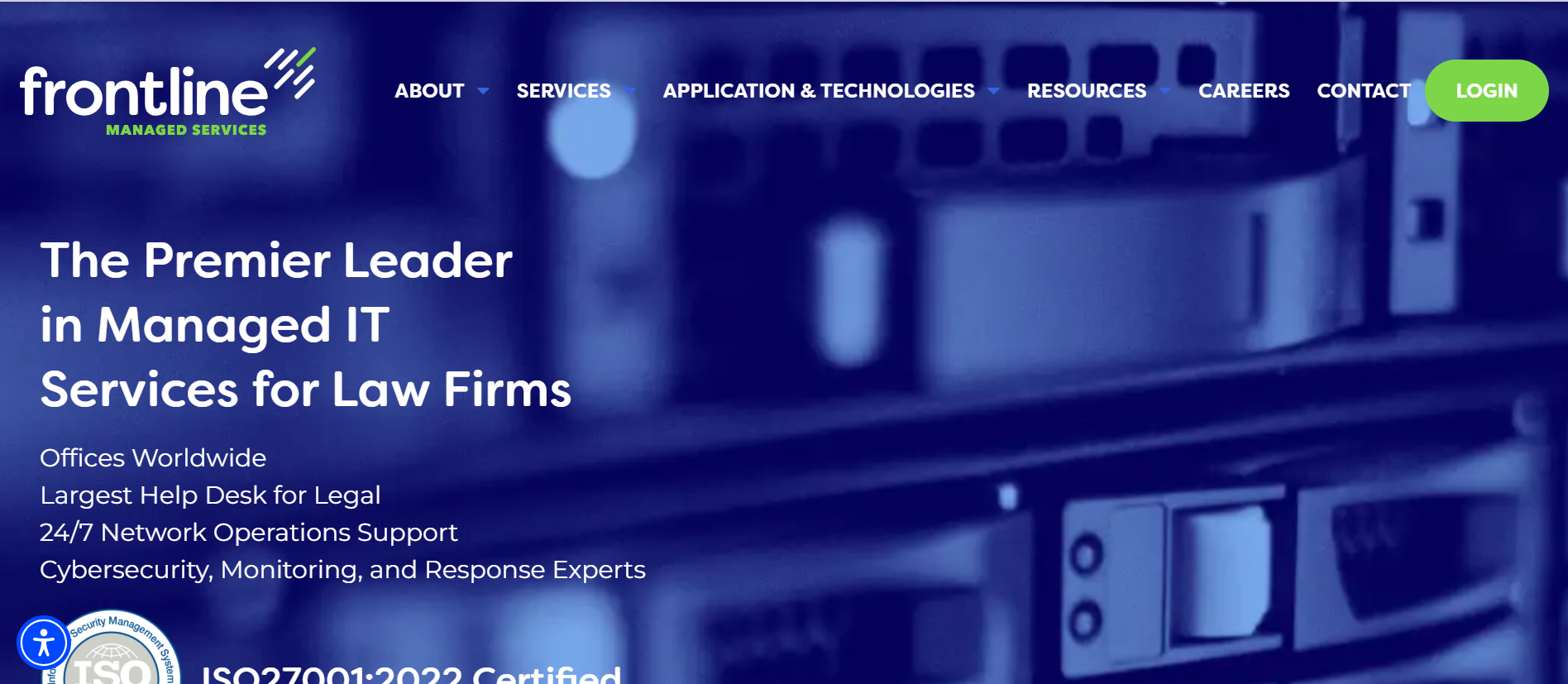
PRODUCT SCREENSHOT

Frontline Managed Services
All Covered logo

All Covered

Managed IT and cybersecurity with a dedicated legal practice

Best for: Firms wanting managed IT and cybersecurity paired with legal compliance consulting under one provider.

FIRM SIZE FIT

Small to large firms

DELIVERY MODEL

MSP + Compliance

ON-SITE SUPPORT

Yes

LEGAL SOFTWARE SUPPORT

General, compliance-led

STRENGTHS

  • Dedicated “Lawyer’s Help Desk” for legal-focused remote support
  • Legal compliance consulting for data handling, retention, and incident response
  • Cybersecurity with layered protection for sensitive data
  • Cloud migration across Azure, private cloud, and hybrid environments
  • On-site support available for hands-on needs

GOOD TO KNOW

  • Legal support is delivered through a dedicated offering, “The Lawyer’s Help Desk”
  • Includes legal compliance consulting, not just IT support
  • Cloud migration spans Azure, private cloud, and hybrid environments

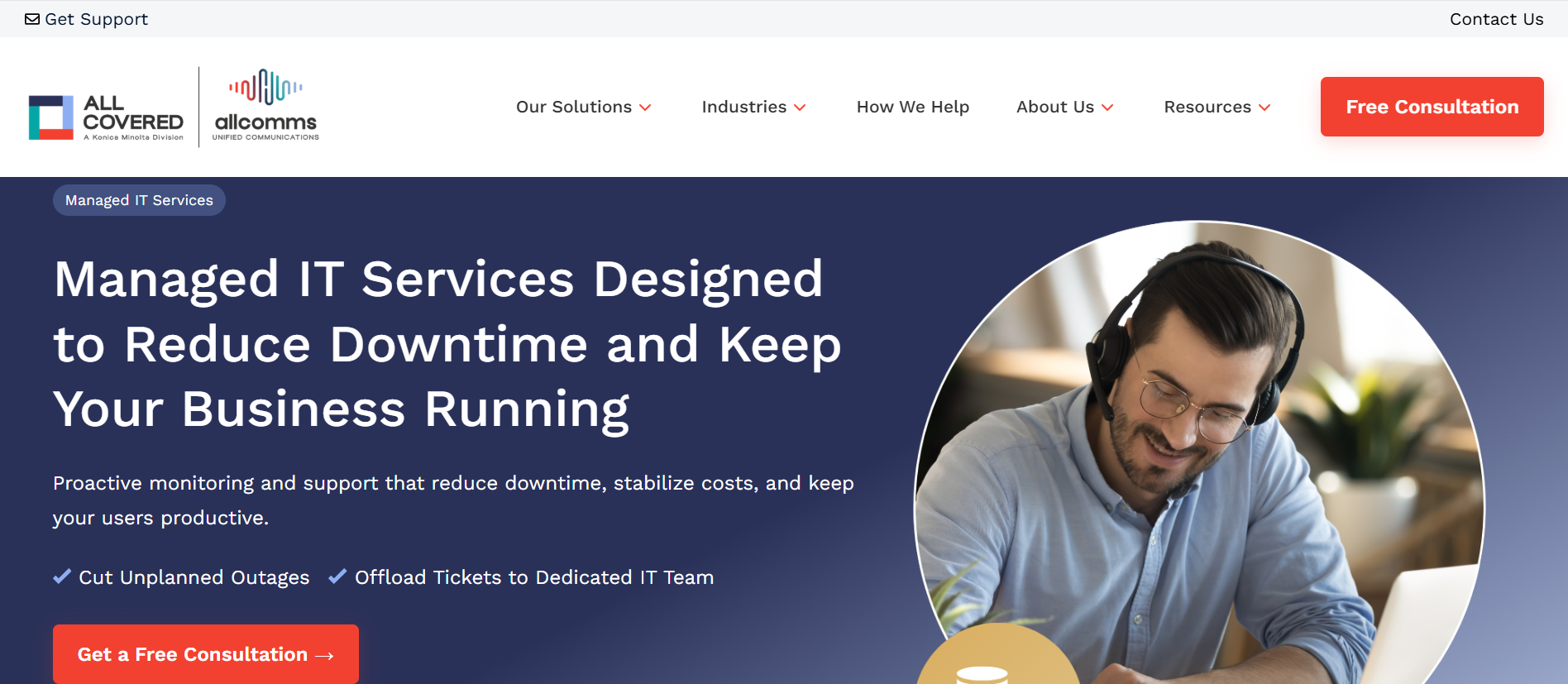
PRODUCT SCREENSHOT

All Covered
Dataprise logo

Dataprise

National managed IT with a legal industry practice

Best for: Firms wanting a national MSP with 24/7 support and a dedicated legal industry practice.

FIRM SIZE FIT

Mid-size to large firms

DELIVERY MODEL

National MSP

ON-SITE SUPPORT

Limited/regional

LEGAL SOFTWARE SUPPORT

General

STRENGTHS

  • 24/7 service desk support for attorneys and staff
  • National MSP model with a legal industry focus
  • Cybersecurity and document protection for client data
  • Disaster recovery and cloud services built in
  • Broad mix of consulting, cloud, and managed IT under one roof

GOOD TO KNOW

  • National MSP model with a dedicated legal industry practice
  • 24/7 service desk as a standard part of the model
  • Also includes disaster recovery and broader cloud services beyond core managed IT

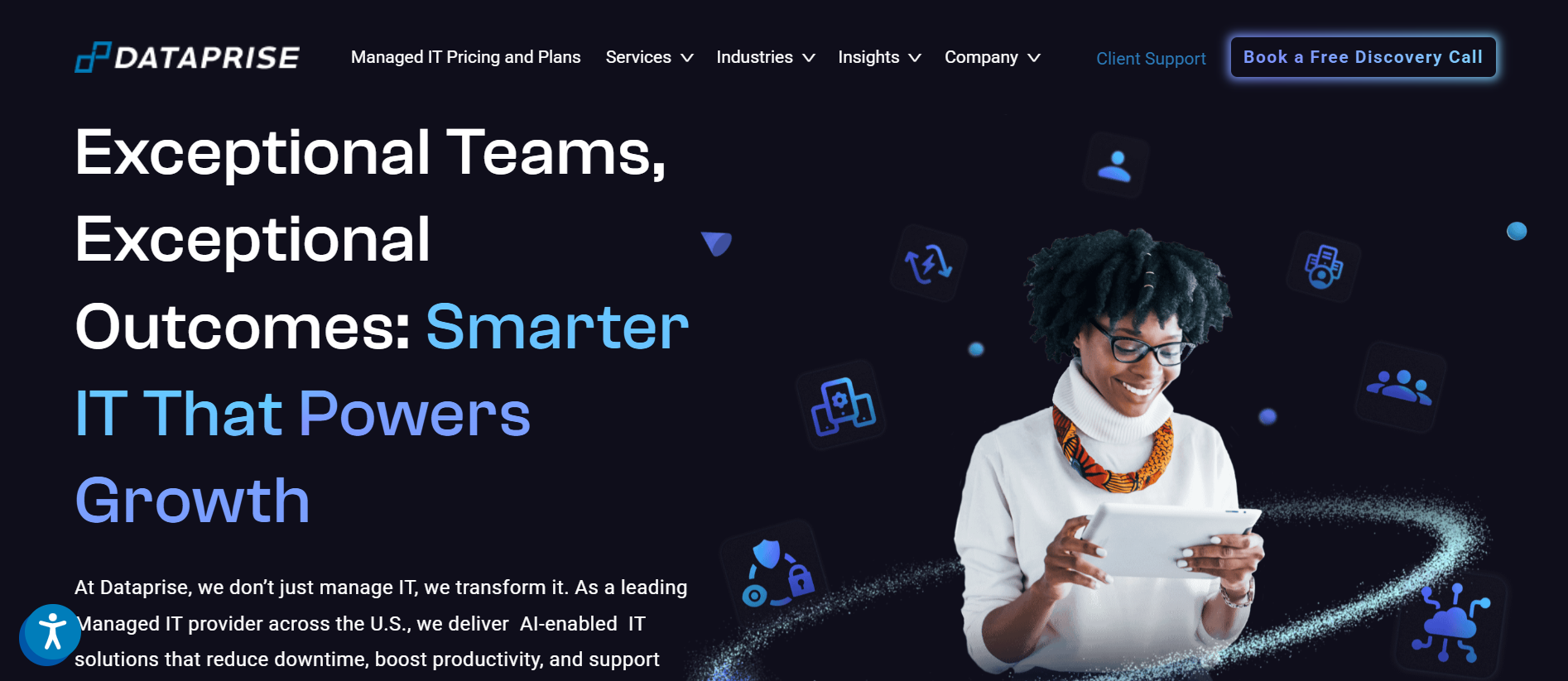
PRODUCT SCREENSHOT

Dataprise screenshot

Comparison Checklist for Legal IT Providers

This checklist is built for real evaluation meetings. Use it to compare providers consistently and document the decision.
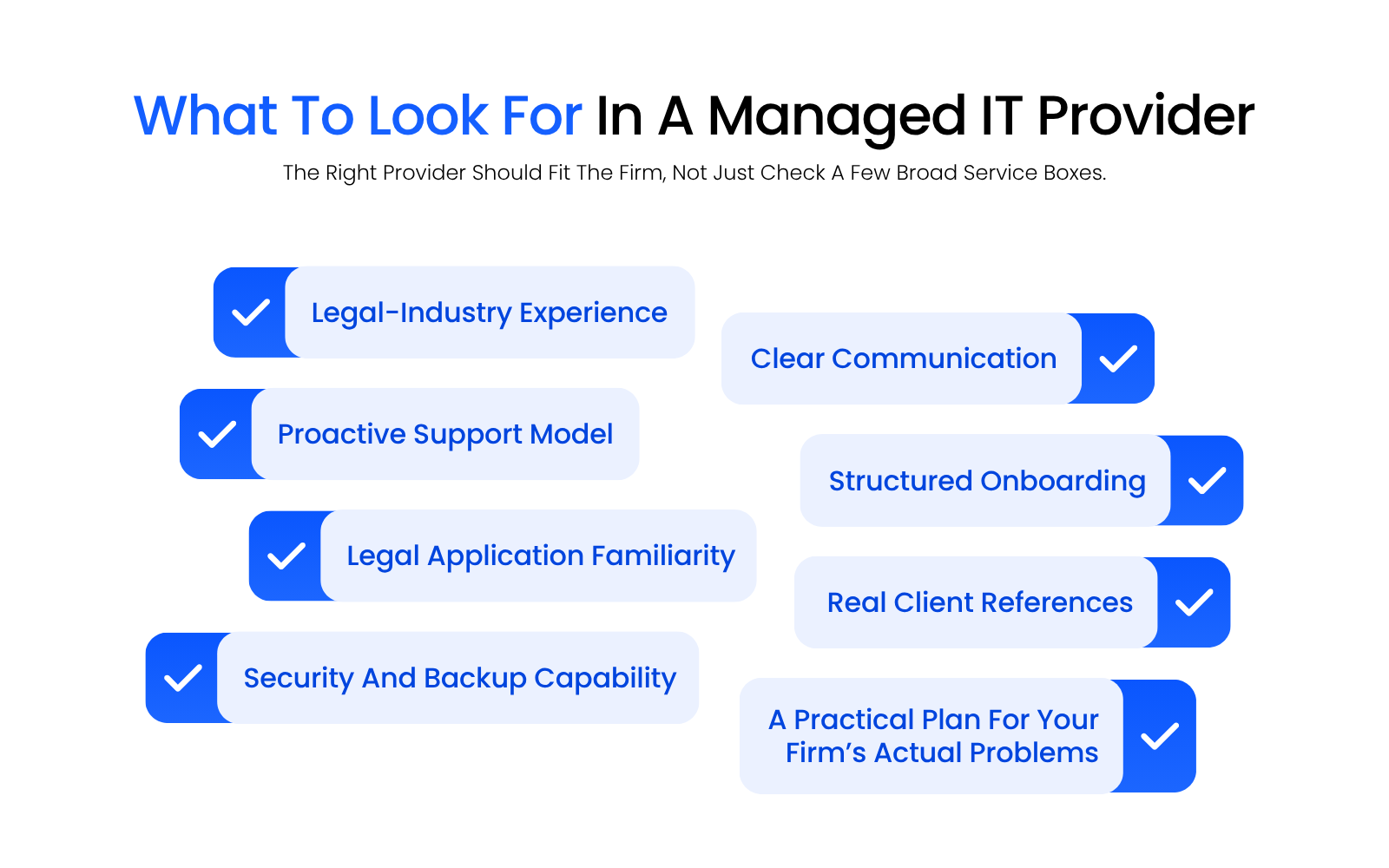
Checklist-style visual showing what law firms should look for in a managed IT provider, including legal-industry experience, proactive support, legal application familiarity, security capability, communication, onboarding, references, and a practical plan.

1. Law Firm Focus That Shows Up in Delivery

The difference between a legal-centric provider and a generalist shows up in daily delivery, not the sales pitch. These questions surface whether legal focus is real or just an industry page.

  • Do they primarily serve law firms, or is legal just one industry page?

  • Can they explain how their legal IT support differs from general business IT support in daily service delivery?

  • Can they support your legal software beyond installation, including troubleshooting and workflow impact?

  • Can they talk clearly about matter-driven workflows and how that affects permissions, collaboration, and file access?

2. Support Model and Responsiveness

How a provider behaves when a matter is blocking tells you more than any SLA on paper, so these questions test the support model itself.

  • What are the standard support hours, and what is the after-hours process?

  • What is the escalation path when an issue blocks active matters?

  • Do you get a named IT manager or technical owner, or is everything pooled?

  • How do they communicate progress and expectations during an outage or urgent issue?

3. Microsoft 365 Competence

Microsoft 365 sits at the center of most firms’ identity, email, and collaboration, so how a provider manages it tells you a lot.

  • Who owns Microsoft 365 administration, identity policies, and security settings?

  • What is their approach to email security, mailbox access control, and MFA enforcement?

  • How do they govern Teams, SharePoint, and OneDrive so collaboration stays usable and controlled?

  • Can they help the firm set policies around Microsoft 365 Copilot, AI-enabled tools, and client-data protection?

4. Security Baseline and Accountability

Ask what is included by default, not what is “available.”

A serious provider should be able to explain:

  • Endpoint security and monitoring

  • Patching cadence and vulnerability management

  • Device management and identity security standards

  • Backup strategy and restore testing, including Microsoft 365 data

  • Incident response ownership and communication process

  • Support for client security questionnaires and cyber insurance questionnaires

5. Backup, Recovery, and Ransomware Readiness

Backups only matter if they restore — these three questions separate a real recovery plan from an assumption.

  • How are backups structured, including cloud data?

  • How often are restores tested, and how is that documented?

  • If ransomware hits, what is the first-hour plan, and who drives it?

6. Documentation and Exit Readiness

Good documentation protects the firm whether you stay or leave, so ask what gets recorded and what you’d walk away with.

  • Will they maintain an inventory, vendor list, credentials policy, and network documentation?

  • If you ever transition, what do you receive, and how quickly?

7. Onboarding and Migration Plan Quality

  • Do they provide a written onboarding plan with phases, owners, and milestones?

  • Do they stabilize first, then modernize, or push a risky “big cutover” approach?

  • Can they support hybrid or remote access without depending on fragile VPN-to-server workflows?

  • What training is provided so staff don’t create workarounds?

8. National Delivery and On-Site Reality

National coverage only helps if it holds up across your offices and time zones, so confirm how support and on-site needs are actually delivered.

  • How do they support firms nationally across time zones and locations?

  • If you need hands-on support, how is it delivered, and what response expectations are realistic?

9. Commercial Clarity

Surprises usually live in the gap between the monthly fee and project work, so pin down what’s included before you sign.

  • What is included in the monthly service, and what becomes project work?

  • How are projects scoped, approved, and documented?

  • What does “unlimited support” mean in practice, and what are the boundaries?

Not sure how your firm’s access is currently configured?

An IT Health Check maps what you have, flags where access is misconfigured, and gives you a clear picture of where your firm actually stands.

What Migration Looks Like (and Why It’s Better than Sticking with Poor IT Support)

Most firms delay switching because they fear disruption, and that fear is reasonable. A well-run migration delivers controlled change the firm can plan around.

A well-run migration is structured — it doesn’t feel like ripping the floor out from under the firm.

Phase 1: Discovery and Risk Triage

This phase should produce documentation and a prioritized plan, not just a pile of notes.

A good provider starts by mapping the environment:

  • Users, devices, permissions, and admin access

  • Microsoft 365 configuration and security posture

  • Backups and restore readiness

  • Network layout, vendors, and recurring pain points

  • Legal software stack and workflow dependencies

Phase 2: Stabilize and Standardize

This is often where the firm starts to feel relief, because the recurring issues begin to drop.

Most law firms benefit quickly from consistent standards:

  • Endpoint management and patching

  • Identity controls and MFA enforcement

  • Security monitoring and alerting

  • Backup validation and restore testing

  • Reducing admin sprawl and tightening access

Phase 3: Improve the Day-To-Day Experience

This is where “managed IT services for law firms” should show up in daily life:

  • Faster ticket resolution and better communication

  • Fewer recurring problems that waste staff time

  • Remote access that works consistently

  • Microsoft 365 used in a controlled, usable way

Phase 4: Modernize Without Breaking Workflows

If the firm is moving away from servers or restructuring how files are stored and accessed, the best migrations are staged:

  • Changes are scheduled around firm realities

  • Training and documentation are included

  • The provider owns the plan and communicates clearly

Phase 5: Ongoing Operations and Planning

The long-term win is the operating rhythm:

  • Proactive monitoring and alerting across devices, identity, and backups

  • Regular patch cycles and vulnerability management

  • Quarterly or scheduled reviews with firm leadership

  • Security questionnaire support as needs arise

  • Planning for growth, transitions, and technology changes

Why Switching Is Often Better than “Sticking It Out”

Poor IT support rarely stays the same. Systems age. Security expectations rise. Clients ask harder questions.

Hybrid work becomes more complex. Staff lose patience and create workarounds.

Migration is a short, controlled investment that often replaces years of recurring operational drag.

WHAT’S NEXT

ARTICLE
IT Support for Law Firms

FREE ASSESSMENT
Get a Free IT Health Check for Your Firm

GET HELP
See How Uptime Legal Supports Law Firms Day to Day

Frequently Asked Questions (FAQs)

Legal-centric IT means your provider designs support around how law firms operate: matters, deadlines, confidentiality, client expectations, and the legal software stack. Good legal IT support reduces quick fixes that create bigger downstream problems for attorneys and staff.

Patterns are the giveaway — recurring outages, slow response times, unclear ownership, constant workarounds, and security tasks that never get finished all signal a relationship that’s costing more than it looks. If your team spends time managing IT instead of practicing law, the provider is part of the problem.

Managed IT services for law firms should include consistent help desk support, device management, monitoring, patching, backups with restore testing, Microsoft 365 administration, baseline security controls, and current documentation. Many firms also need legal software support and a named technical owner who can drive resolution across vendors.

Ask how they support your legal software beyond installation, how they handle matter-blocking escalations, and how they manage file access and permissions in a matter-centric environment. A legal-focused provider should talk clearly about workflows, not just tools.

Microsoft 365 expertise is critical because it touches email, identity, collaboration, security, remote work, and AI governance. A provider should be able to explain how they manage and secure it in plain English — including governance for Teams, SharePoint, OneDrive, permissions, MFA, and policies for AI-enabled tools.

Ransomware-ready backups are protected from tampering, include the right cloud data where needed, and are validated through real restore testing. You want proof your firm can recover quickly, not hope that a backup exists somewhere.

A support transition can move quickly if access and documentation are clean. Larger changes like server replacements or major file restructuring should be phased, and planning quality matters more than any calendar estimate.

It shouldn’t, if the onboarding is structured. The best transitions stabilize first, communicate clearly, schedule changes intentionally, and train staff — “minimal disruption” needs to be backed by a written plan, not just a promise.

You should expect clear accountability, proactive recommendations, security oversight, and a communication rhythm that keeps leadership informed. The goal is fewer surprises, fewer emergencies, and better alignment between IT decisions and firm priorities.

If your firm is tired of recurring issues, unclear security posture, support that doesn’t understand legal workflows, or leadership feeling blind to what is actually happening in IT, it’s worth a conversation. Uptime Legal is built for law firms that want stable systems, clear ownership, and an IT partner that takes responsibility for the environment, not just individual tickets.

Published On: June 2nd, 2026 / Categories: Law Firm Productivity, Law Firm Software, Legal Software Reviews, Legal Technology /

As the founder and CEO of Uptime Legal, I've had the privilege of guiding our company to become a leading provider of technology services for law firms.

Our growth, both organic and through strategic acquisitions, has enabled us to offer a diverse range of services, tailored to the evolving needs of the legal industry.

Being recognized as an Ernst & Young Entrepreneur of the Year Finalist and seeing Uptime Legal ranked among the Inc. 5000 list of fastest-growing private companies in America for eight consecutive years are testaments to our team's dedication.

At Uptime Legal, we strive to continuously innovate and adapt in the rapidly evolving legal tech landscape, ensuring that law firms have access to the most advanced and reliable technology solutions.

Uptime Legal’s Technology Solutions

Cloud, software, IT, and document management built for today’s law firms.
  • Uptime Manage

Managed IT & Help Desk Solutions

  • Uptime Cloud

Cloud & Legal Application Hosting

  • Uptime Applications

Application Configuration & Support

  • LexWorkplace

Document Management For Law Firms